
Automation
Weighing automation and connected data
Connect hopper systems, unattended weighing, and crane scales with software that captures weight records and helps your team view operations remotely. We plan the equipment, controls, and data connections around your workflow.
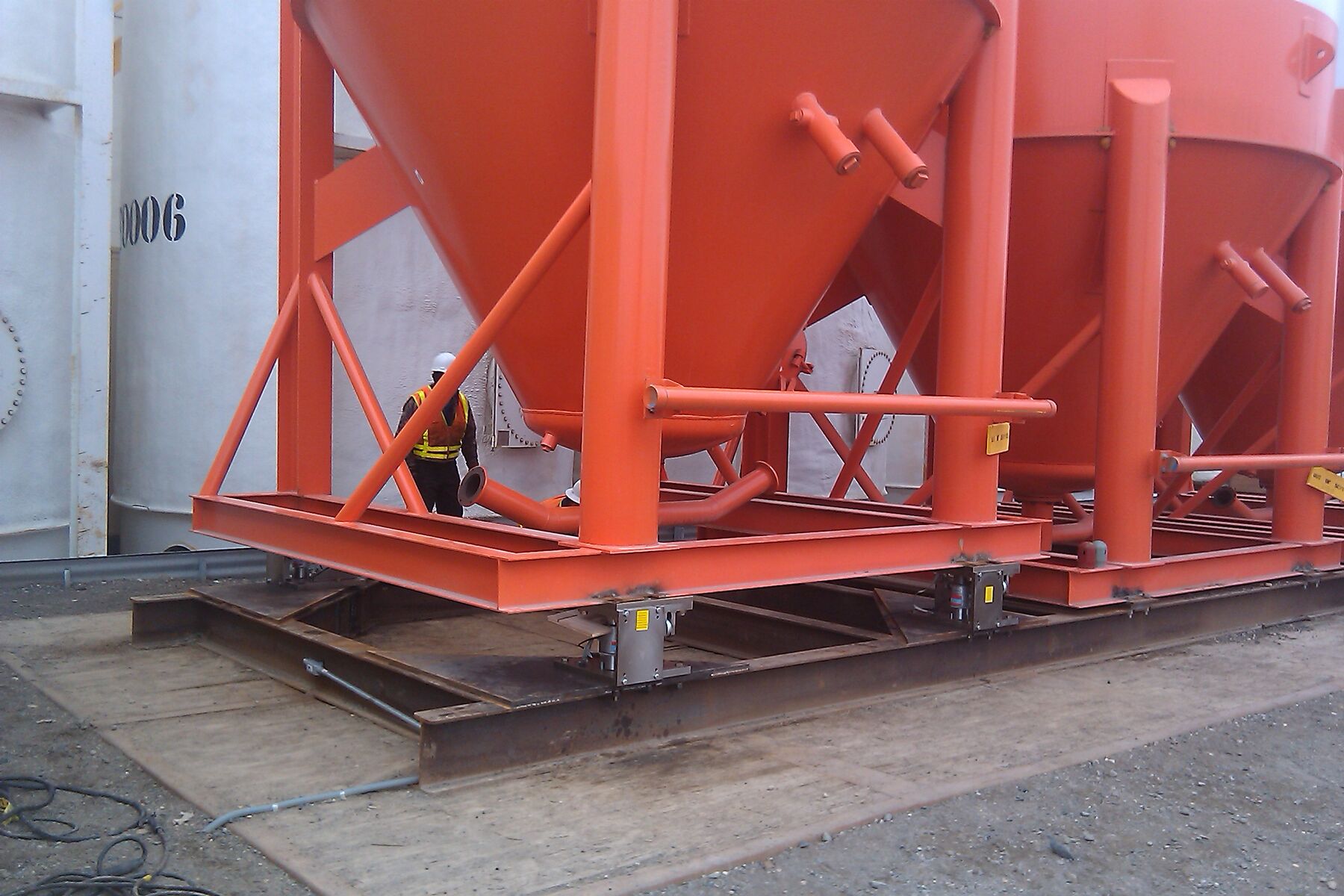
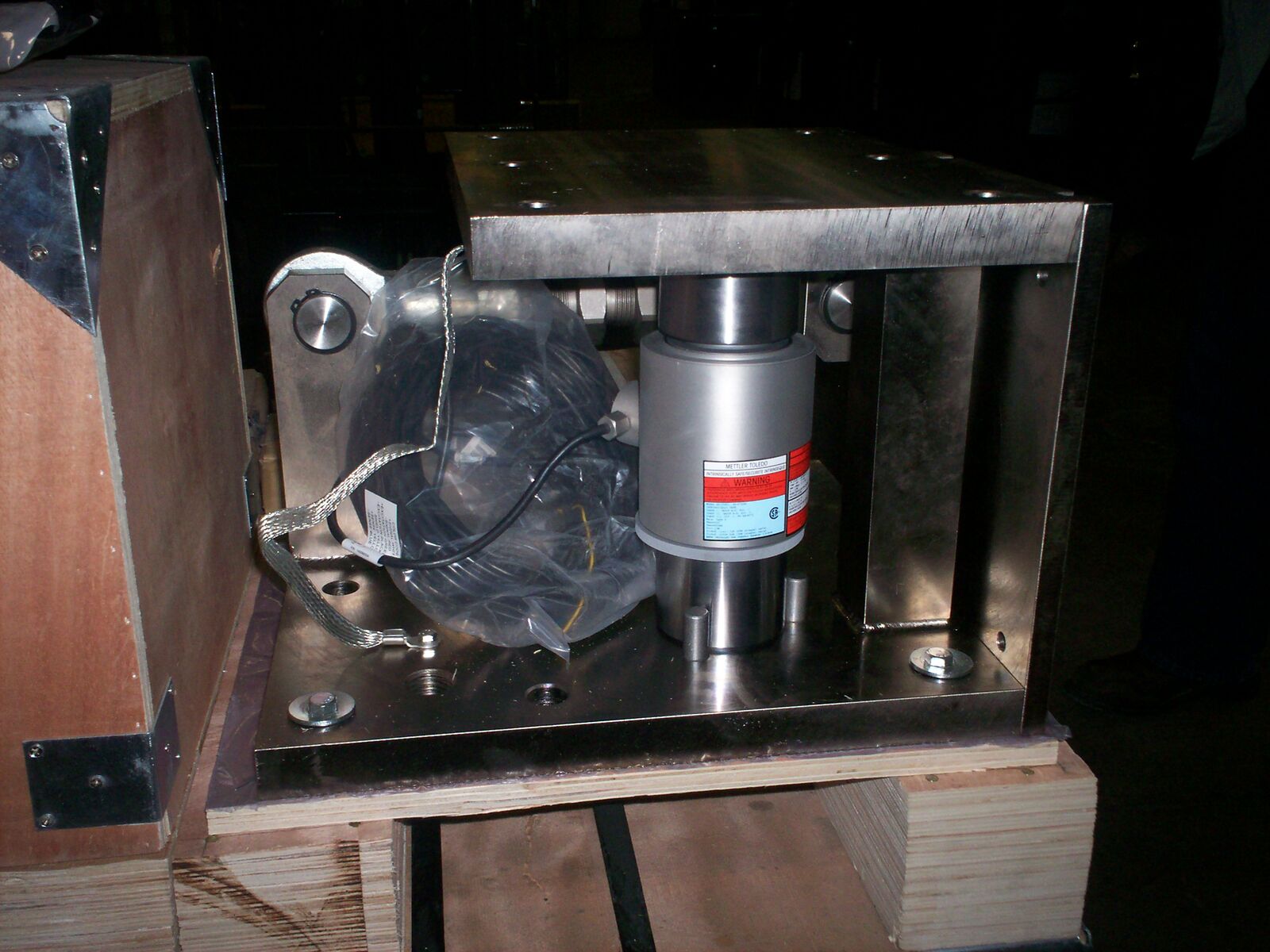
Hoppers
Single- and dual-hopper weighing
Capture weights and support the control sequence for one hopper or a paired system. We match the load cells, controls, and operator interface to your process.
Choosing the vessel supports themselves? That is under process weighing.
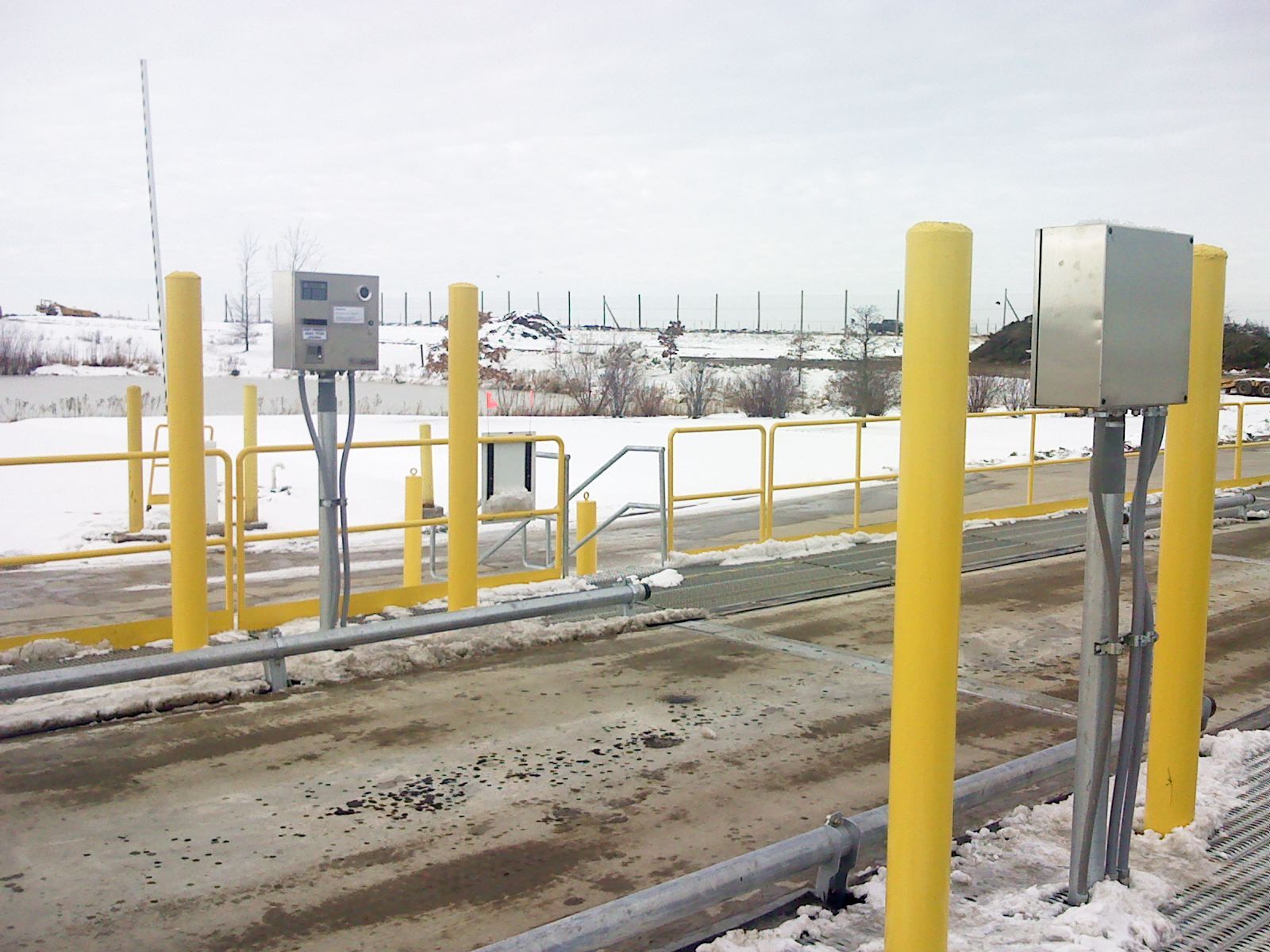
Unattended weighing
Unattended weighing with useful records
Let drivers complete the configured weighing steps and capture the transaction for office review. We plan the terminal, ticket workflow, and data access around the site.
Gates, cameras, RFID and plate recognition can be added to a project when the site needs them. They are scoped per job, not standard.
Software and data
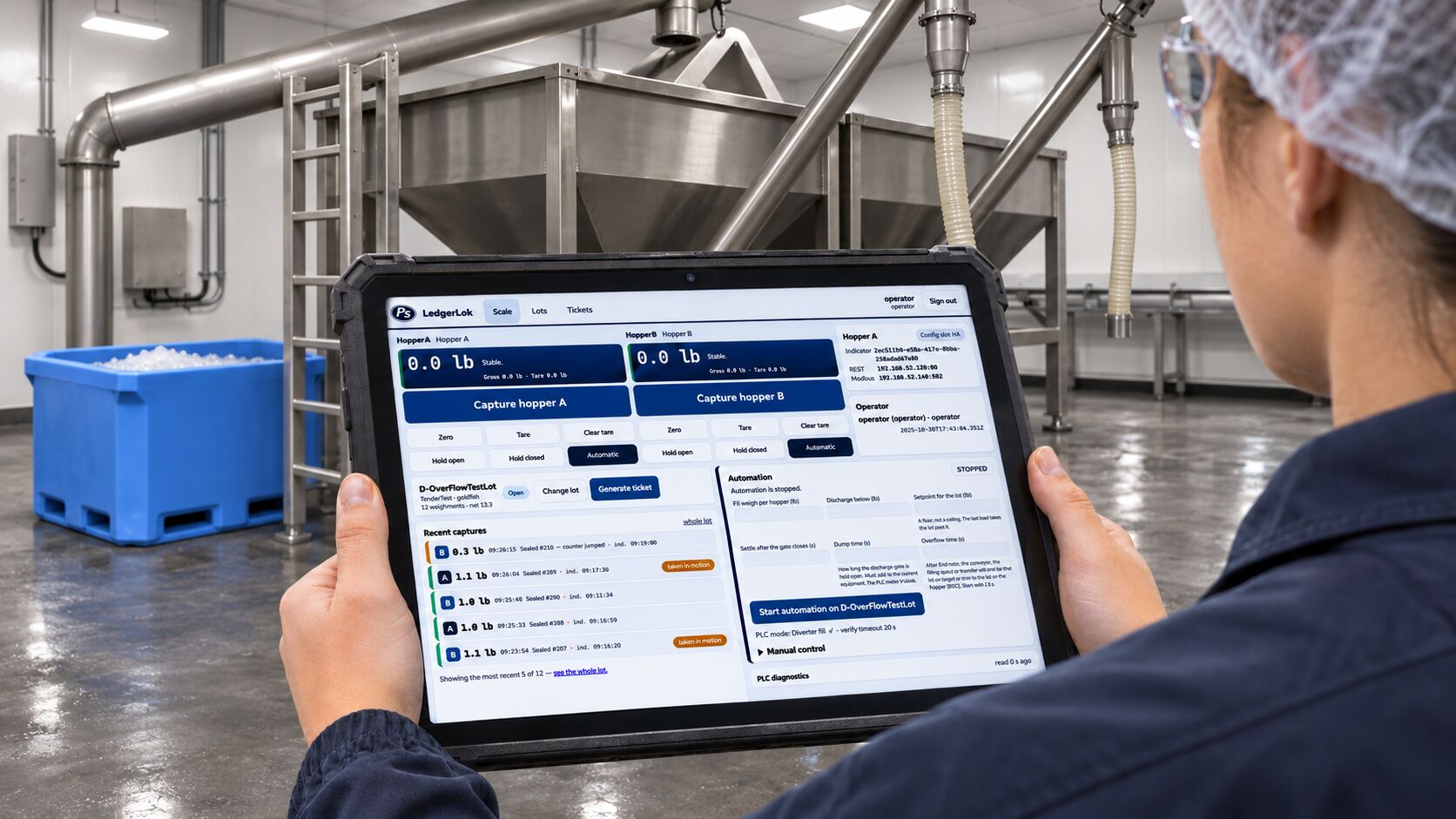
Phillips Scales software
Bring weight capture, hopper operation, unattended weighing, remote viewing, and audit trails into a workflow built around your equipment. Crane scales and hopper systems can be integrated into the configured solution.
Connections to your business software
Need weighing records in another system? We can scope a custom connection around the data, format, and workflow your business needs.
Discuss an Automation Project
Tell us about the equipment, weighing steps, site, and records or connections you need. We will review your requirements and confirm the next step.